> For the complete documentation index, see [llms.txt](https://docs.aboutcircles.com/llms.txt). Markdown versions of documentation pages are available by appending `.md` to page URLs; this page is available as [Markdown](https://docs.aboutcircles.com/user-guides/migrate-v1-account/migrate-circles-v1-account-to-v2.md).
# Migrate Circles v1 account to v2
{% embed url="" %}
Use this app to migrate your v1 Circles to the latest Circles v2.
### Pre-requisites
You will need:
* Your Circles v1 account (from Circles Garden).
* Your 24-word Circles Garden seed phrase.
* An inviter in Circles v2 (the app will show your available invites).
{% hint style="info" %}
Your seed phrase is never stored by this app (it is used locally to derive your account).
{% endhint %}
### Step-by-step migration guide
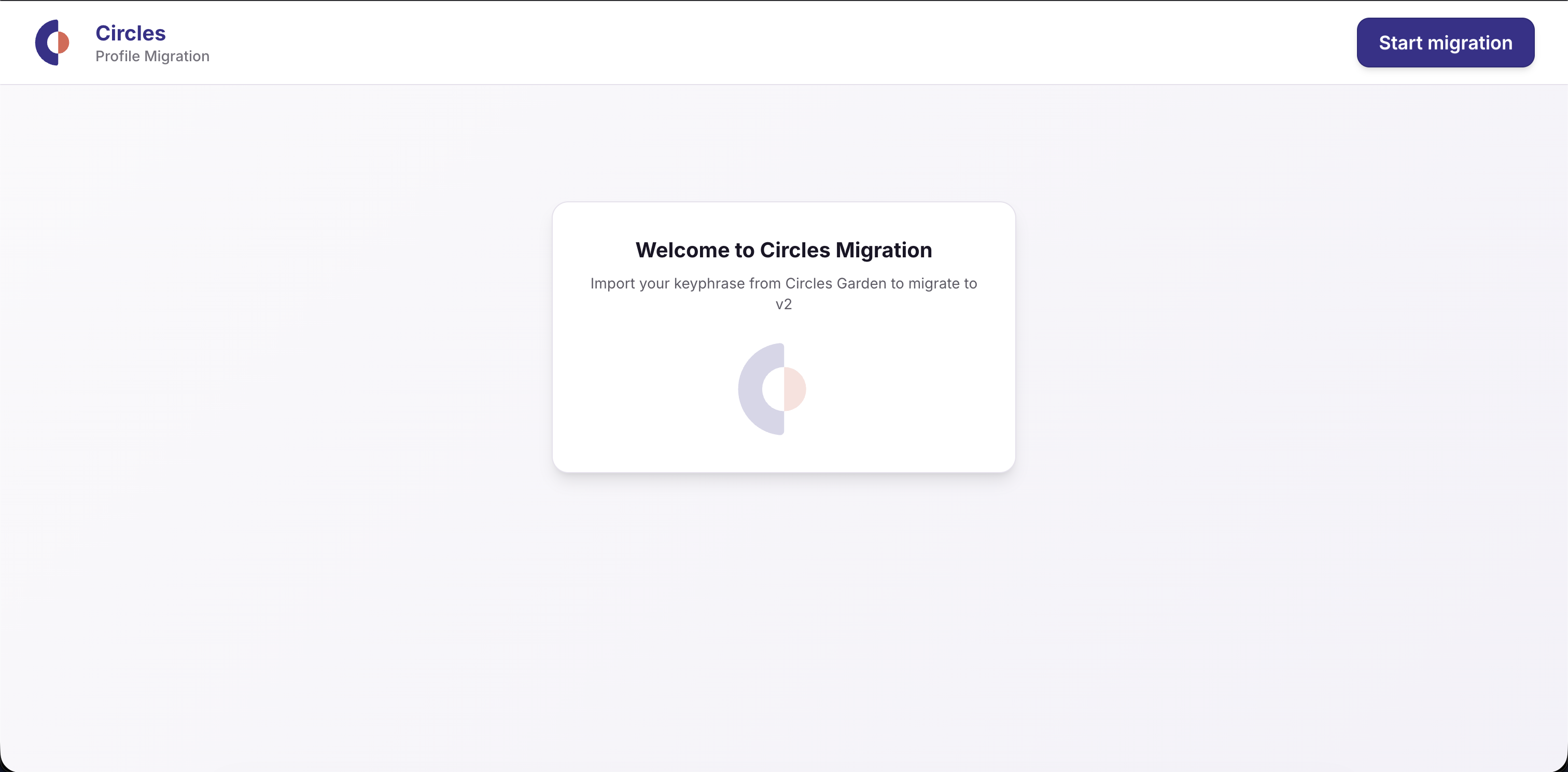
* Open the Circles Migration Tool in your browser.
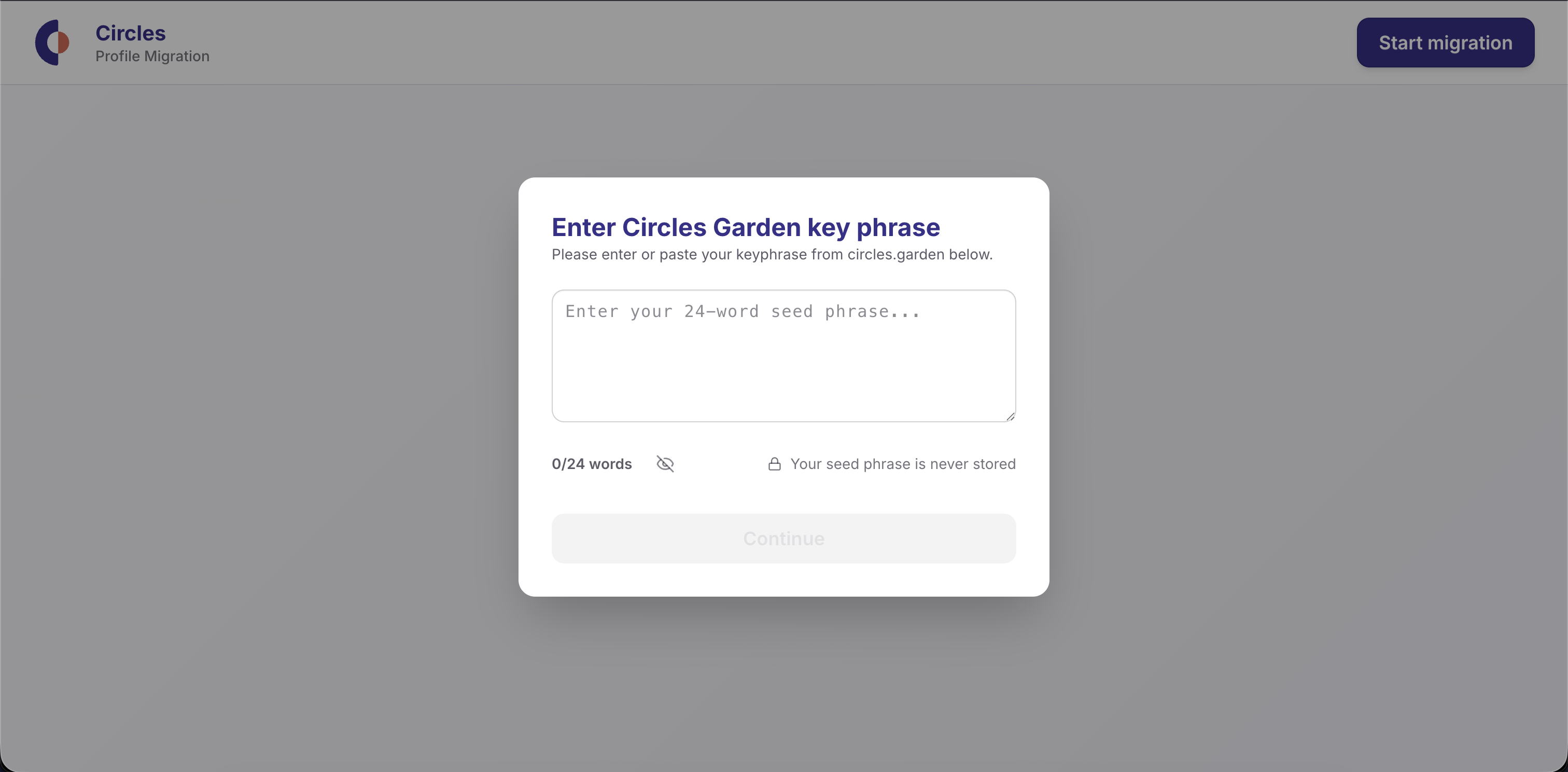
* Click **Start migration** to open the import dialog.
* Paste your 24-word Circles Garden seed phrase.
* The word counter should show **24/24** before you continue.
* You can toggle visibility to double-check your phrase.
* Click **Continue** to import the account.
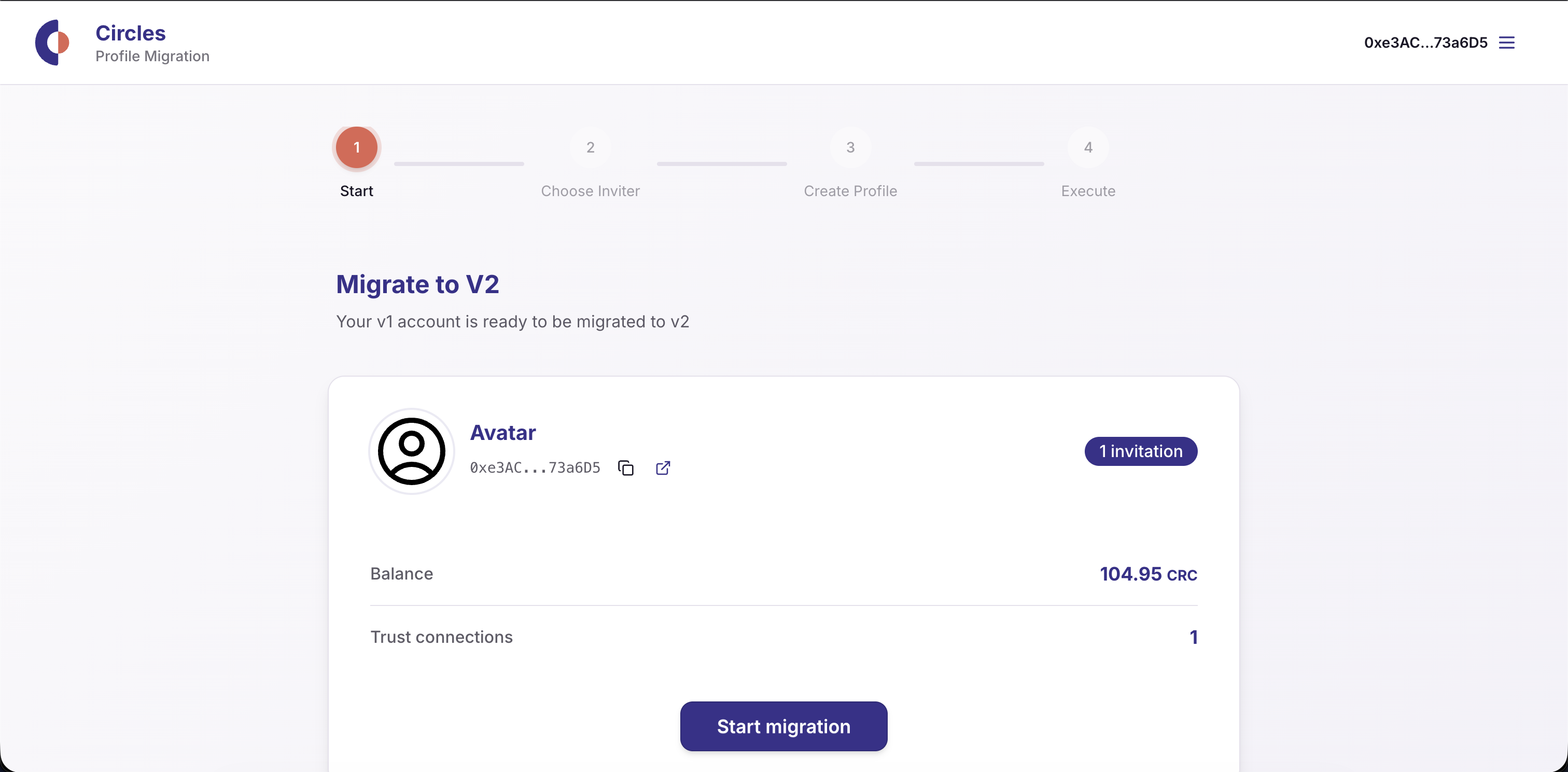
* Wait while the app checks your Circles status and loads your data.
* Review the status shown at the top:
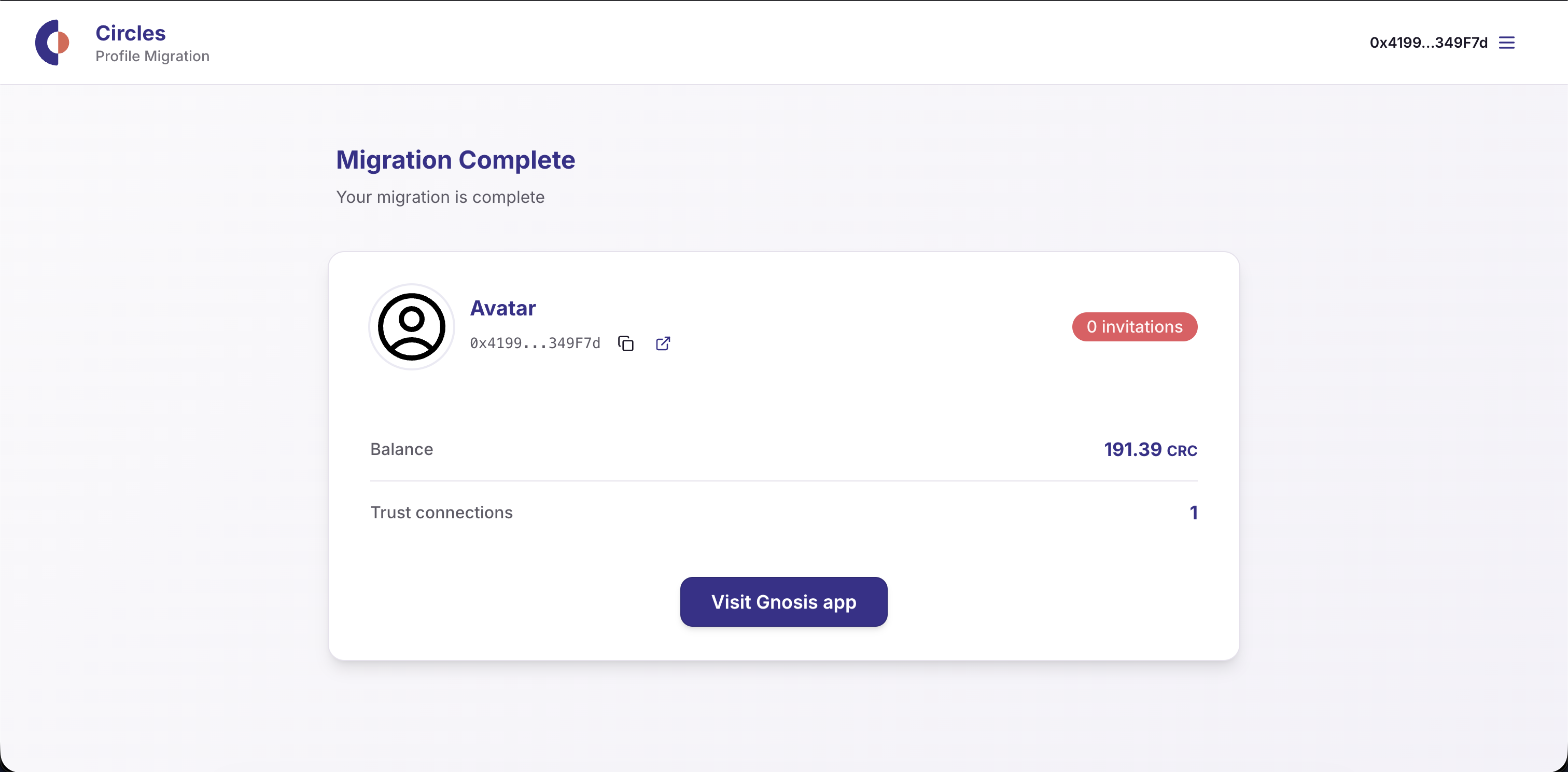
* **Already on V2** or **Migration Complete**: you are done; click **Visit Gnosis app**.
* **Migrate to V2**: proceed to the next step.
* **Choose an inviter**:
* Select one inviter from the list.
* If no inviters are listed, use the **Get invited to Circles** link and come back after you are invited.
* **Create your profile**:
* Add a name (required, max 36 characters).
* Add a description (optional, max 500 characters).
* Upload an avatar image (optional). The image must be small (max 150 KB).
* Click **Review** to confirm your profile details.
* **Complete migration**:
* Review the summary (your profile + inviter).
* Read the on-chain warning. This action is irreversible.
* Click **Complete profile migration** and wait for the confirmation message.
* On success, click **Visit Gnosis app** to continue using Circles v2.
### Troubleshooting
* **Invalid seed phrase**: ensure it is exactly 24 words from Circles Garden.
* **No inviters available**: you must be invited to Circles v2 before migrating. The inviter also must hold 100 Personal CRC tokens to send you an invitation.
* **Profile validation errors**: shorten the name/description or use a smaller image.
* **Migration failed**: try again later and contact support in discord if the problem persists.
### Support
Need help with migration? Join the [Circles Discord](https://discord.gg/WSFJkdkGM5).